
ByteDance’s image model. Make the picture, then work on every piece.
Seedream 5.5 AI image generator
Transparent PNGs. Editable text. Separate layers you can export.
Real images. Real prompts.
What Seedream 5.5 does best
Make the whole picture
Start with a prompt and reference images. Build posters, portraits, scenes and illustrations at the size your project needs.
Keep working on the details
Use Image Studio’s layer tools to separate the subject, background and text. Edit a piece, move it or use it as a reference for the next image.
Take the pieces with you
Download individual layers as transparent PNGs, or export the full layer set in a ZIP for your next design or animation.
At a glance
Seedream 5.5 by the numbers
99
Layers plus one base image, at most
PNG + ZIP
Individual layers or the whole set
Text
Read and change recognized text layers
Alpha
Transparent backgrounds from a prompt
6 refs
Reference images in one generation
3 ways
Storyboard Mode, Image Studio and Actors
- Made by
- ByteDance
- Version
- Seedream 5.5
- Size
- Any aspect ratio, at the size you pick
- Layers
- One base image and up to 99 separate layers
- Exports
- Individual PNG layers or all layers in a ZIP
- Transparency
- Transparent PNGs from a prompt
- Editing
- Change a picture or an individual layer; edit recognized text
- References
- Up to 6 images: your photos, Actors or Locations
- In PPS
- Storyboard Mode, Image Studio and Actors; layer tools in Image Studio
Inside Image Studio
A picture you can take apart
Separate the pieces
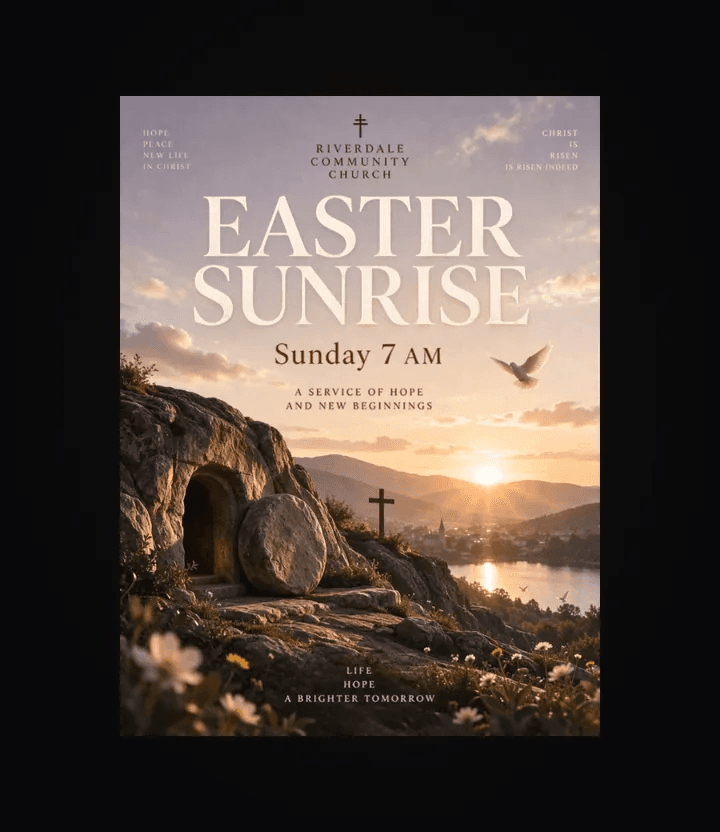
Split a picture into a base and up to 99 layers. Select a subject, object or text layer to edit, hide, move or reuse as a reference.
Export PNGs or a ZIP
Download an individual transparent PNG, or choose All layers (.zip) to take every piece into your next design or animation. The export contains separate images rather than a PSD file.
Make a GIF in the same studio
Seedream 5.5 creates the pictures and layers. For native animated GIF output, switch to GPT Image 2.6 and describe your loop in a prompt. GIF generation does not take reference images.
Prompt showcase
The prompts behind these
Prompt
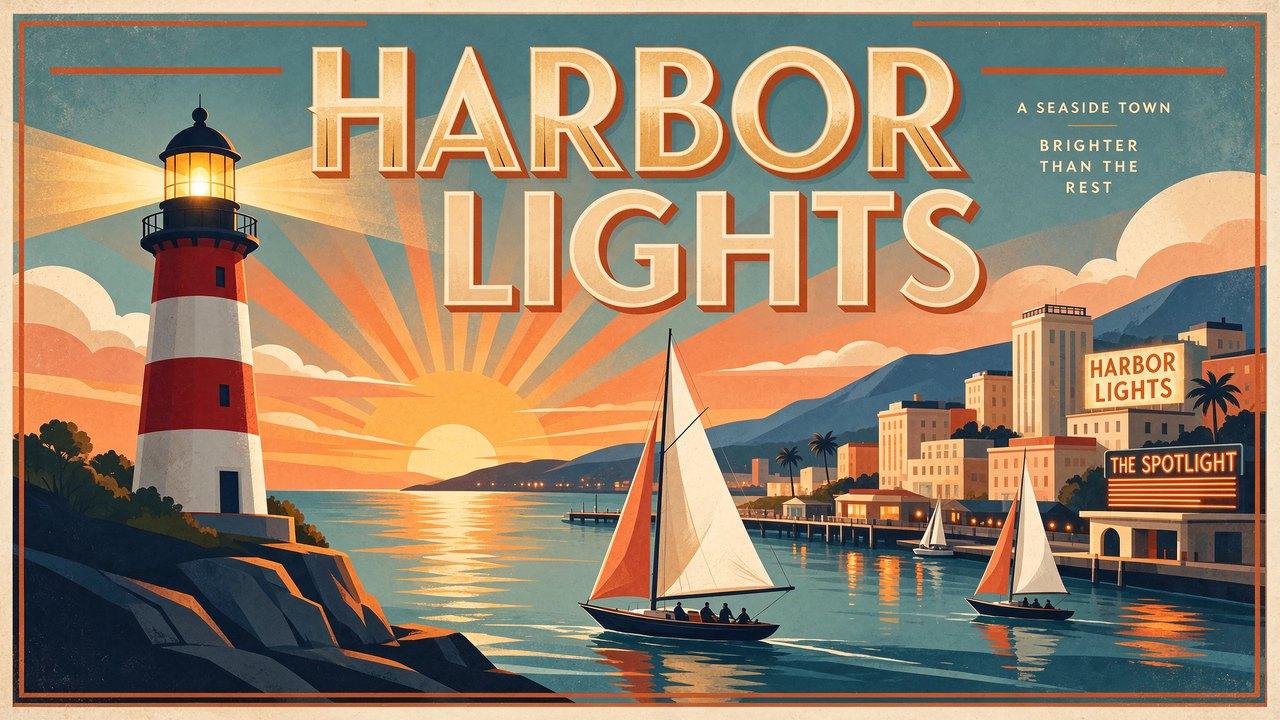
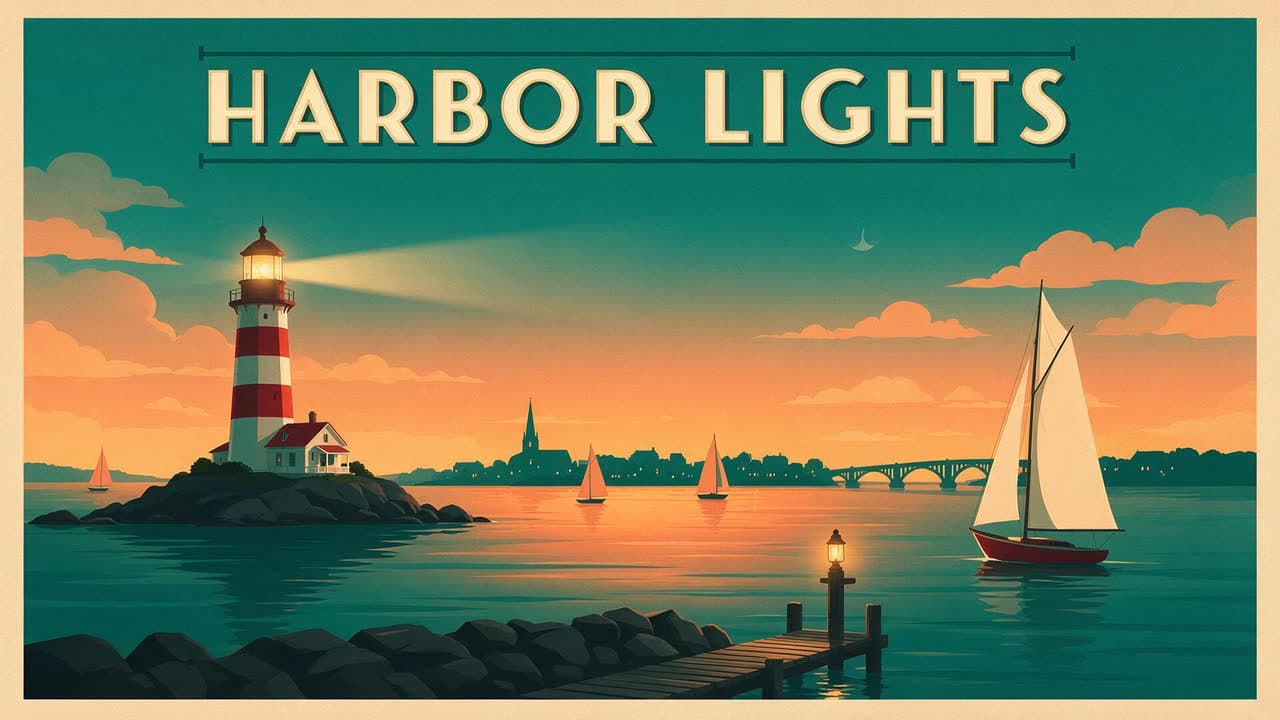
A vintage travel poster for a seaside town, with the words "HARBOR LIGHTS" in bold art deco letters across the top. A red and white lighthouse at dusk, sailboats on calm water, a warm orange and teal sky, clean flat shapes., exact 16:9 composition; keep all text and important content inside the canvas
Prompt
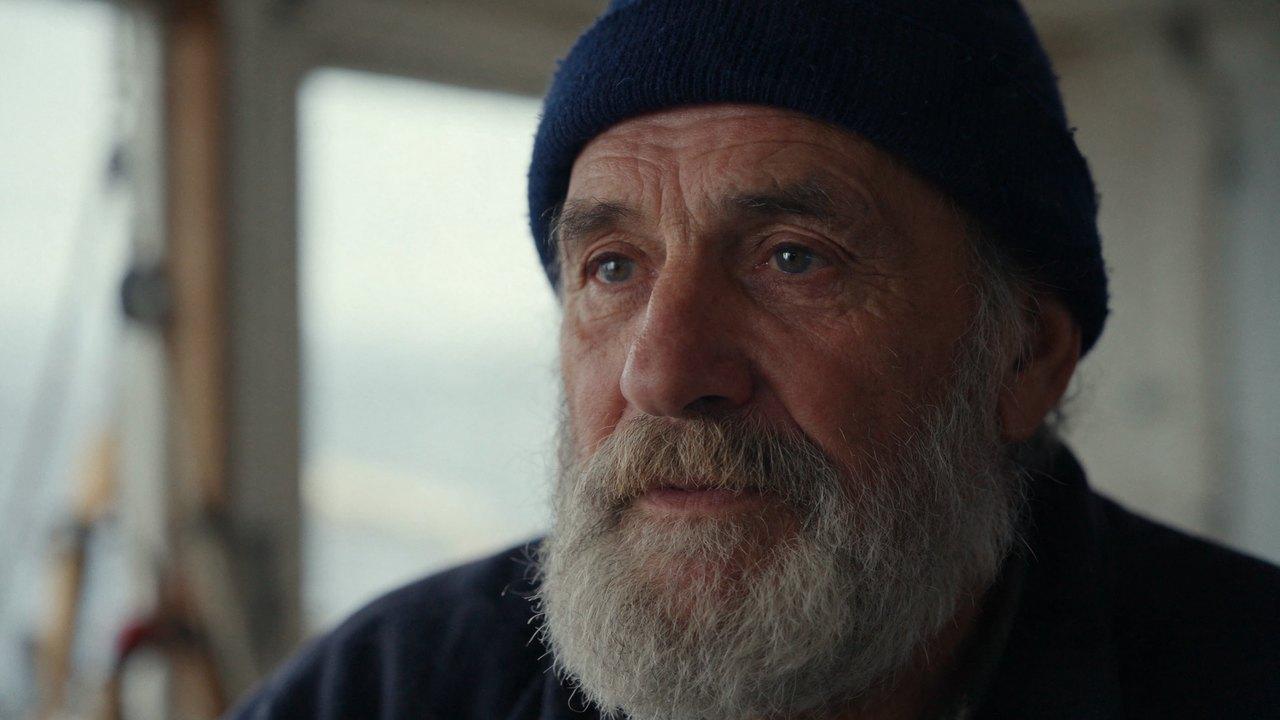
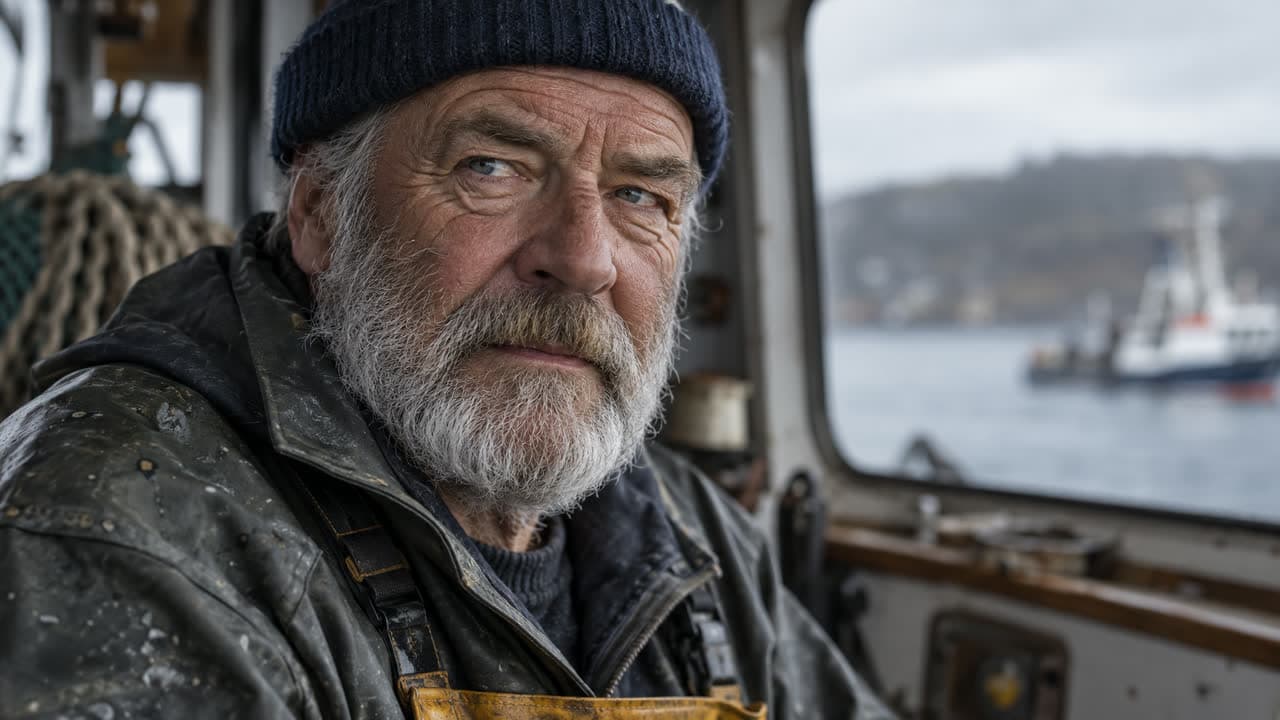
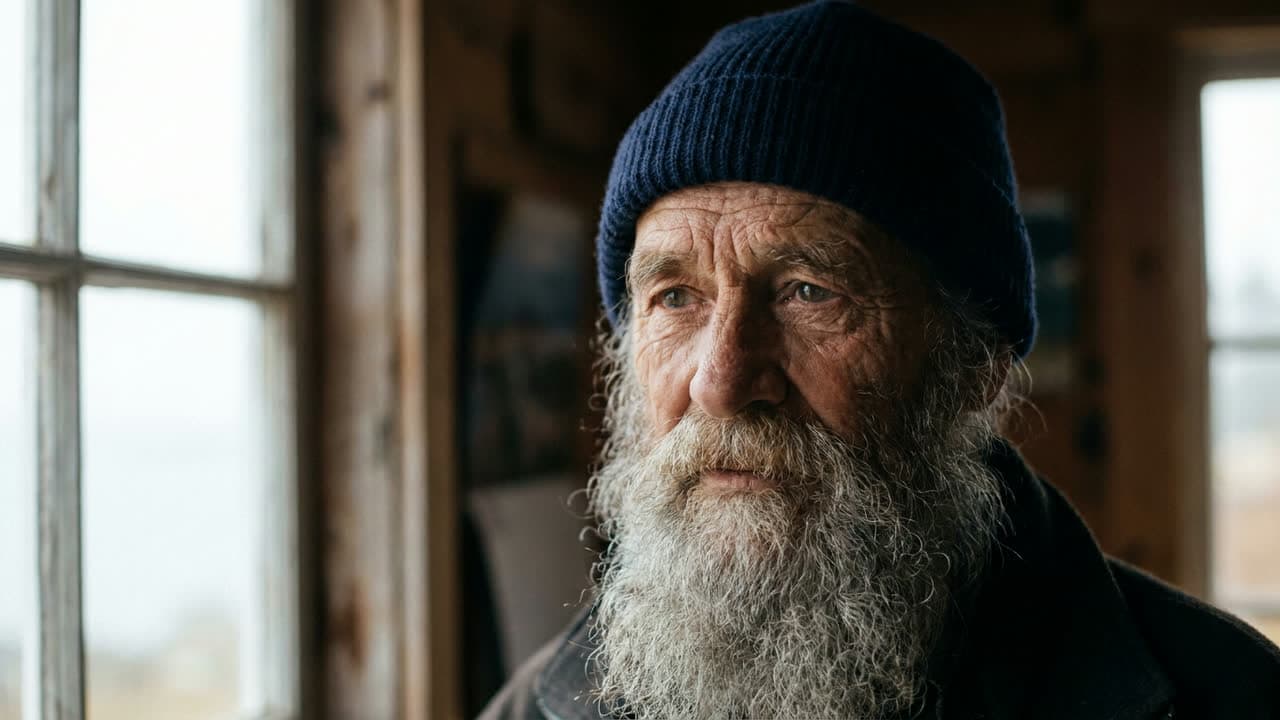
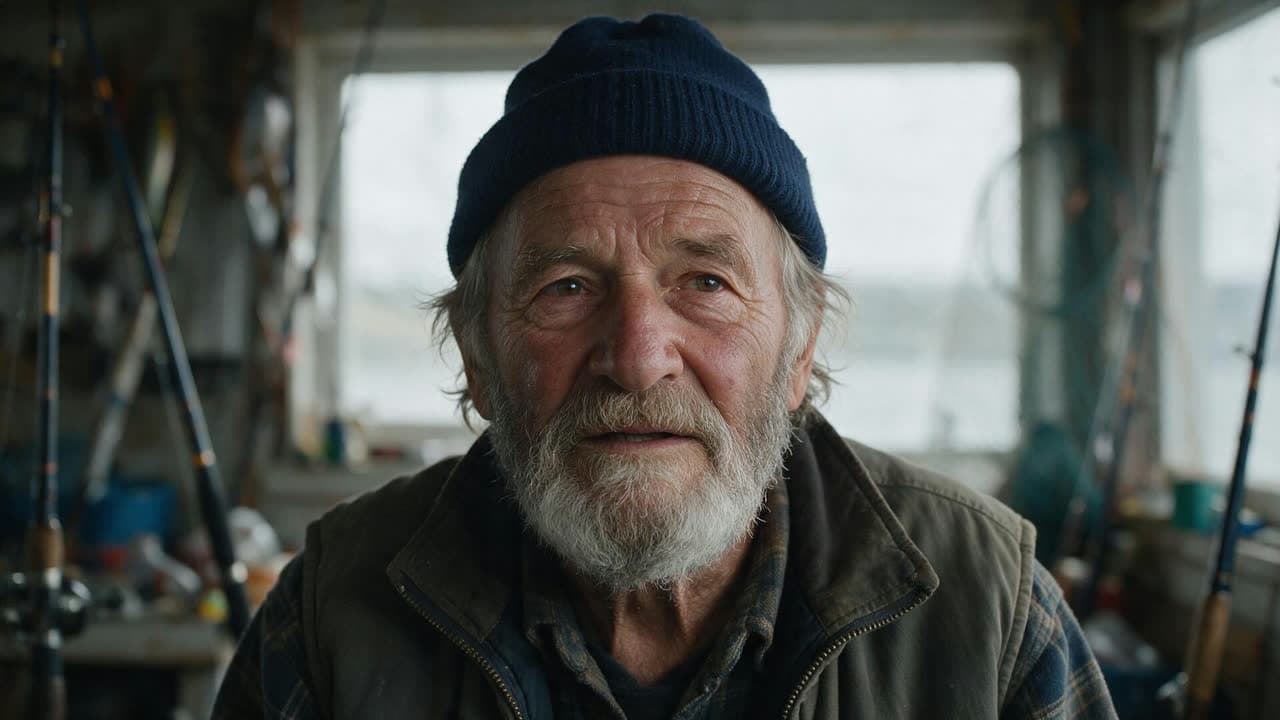
Close-up portrait of an elderly fisherman with a weathered face, a gray beard and a navy knit cap, looking just past the camera. Soft overcast light from a window, shallow depth of field, shot on an 85mm lens., exact 16:9 composition; keep all text and important content inside the canvas
Prompt
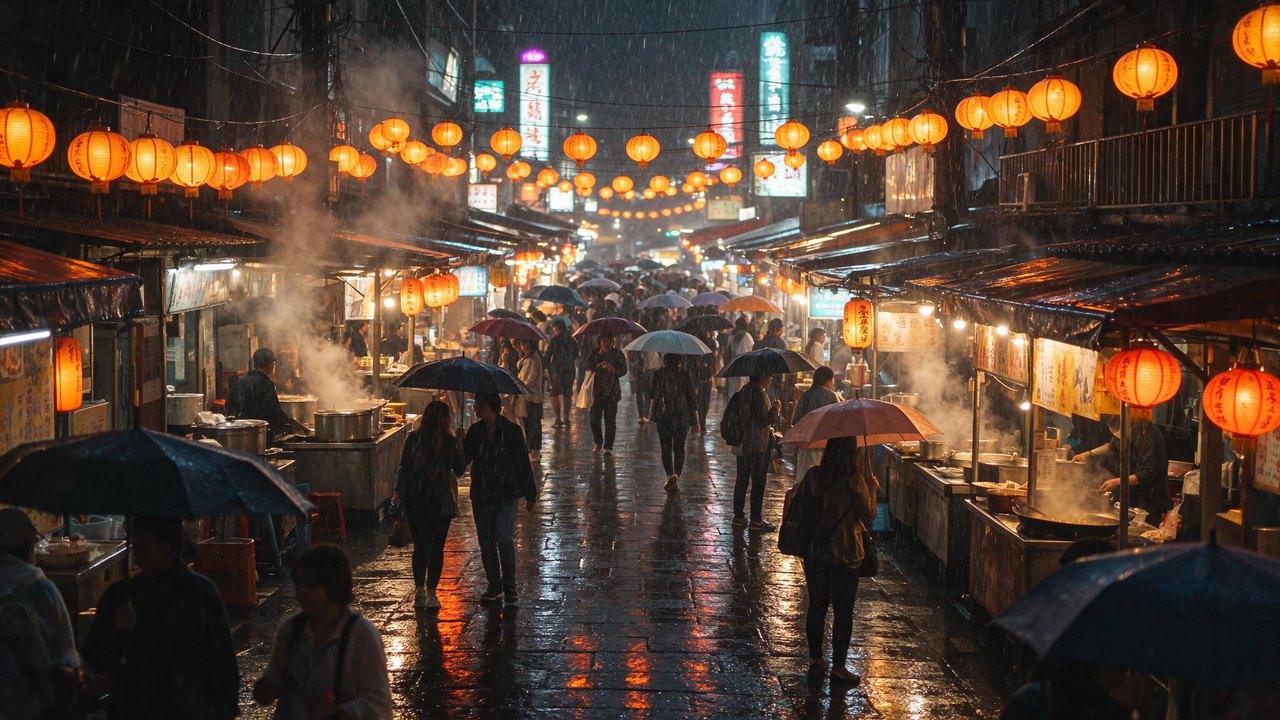
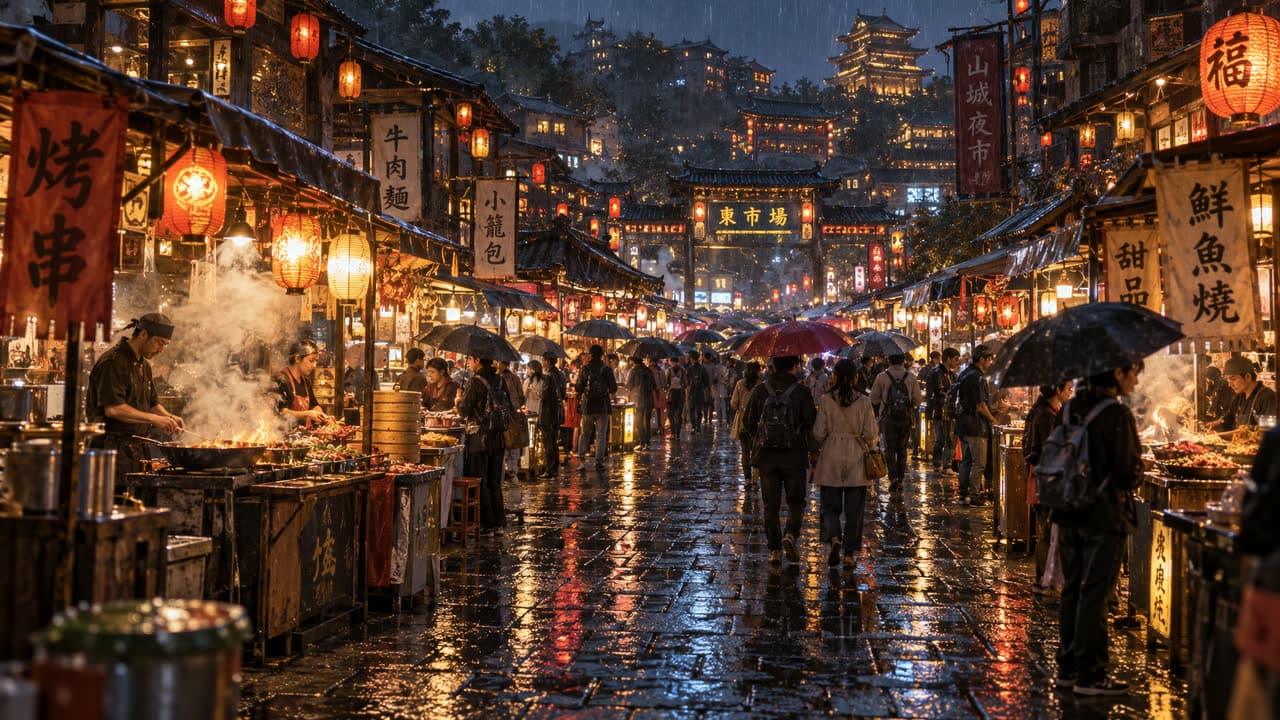
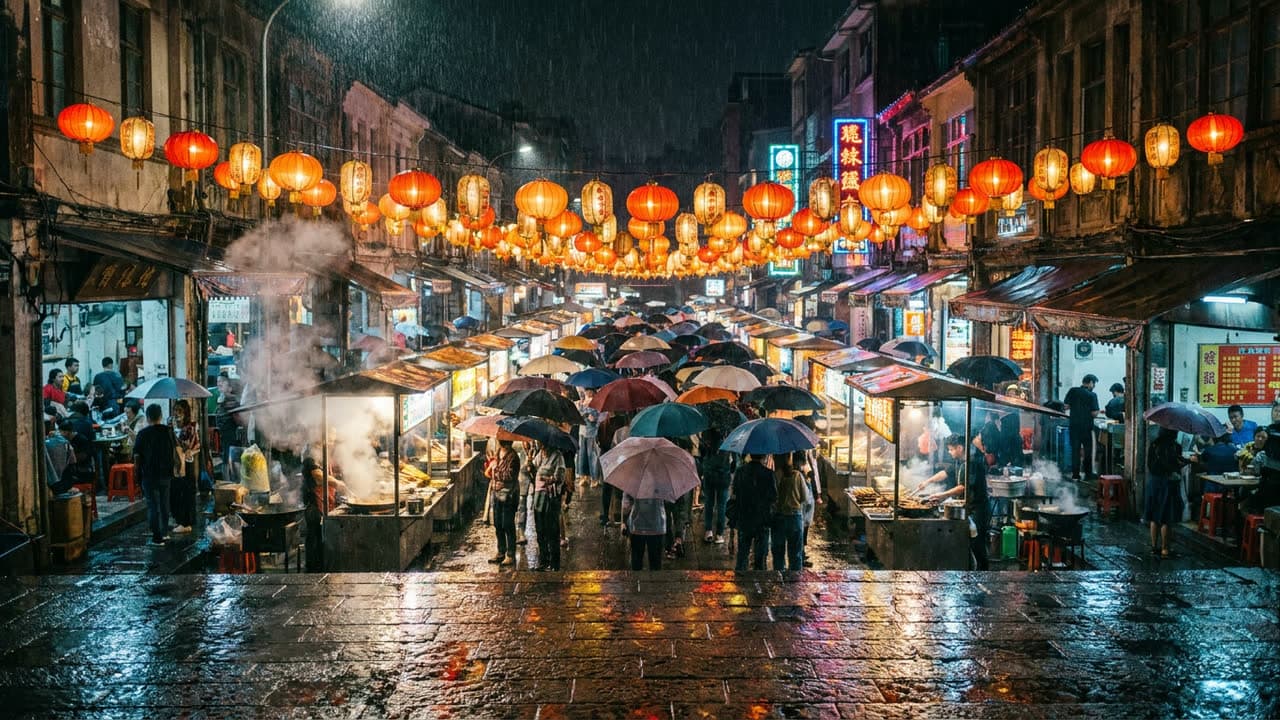
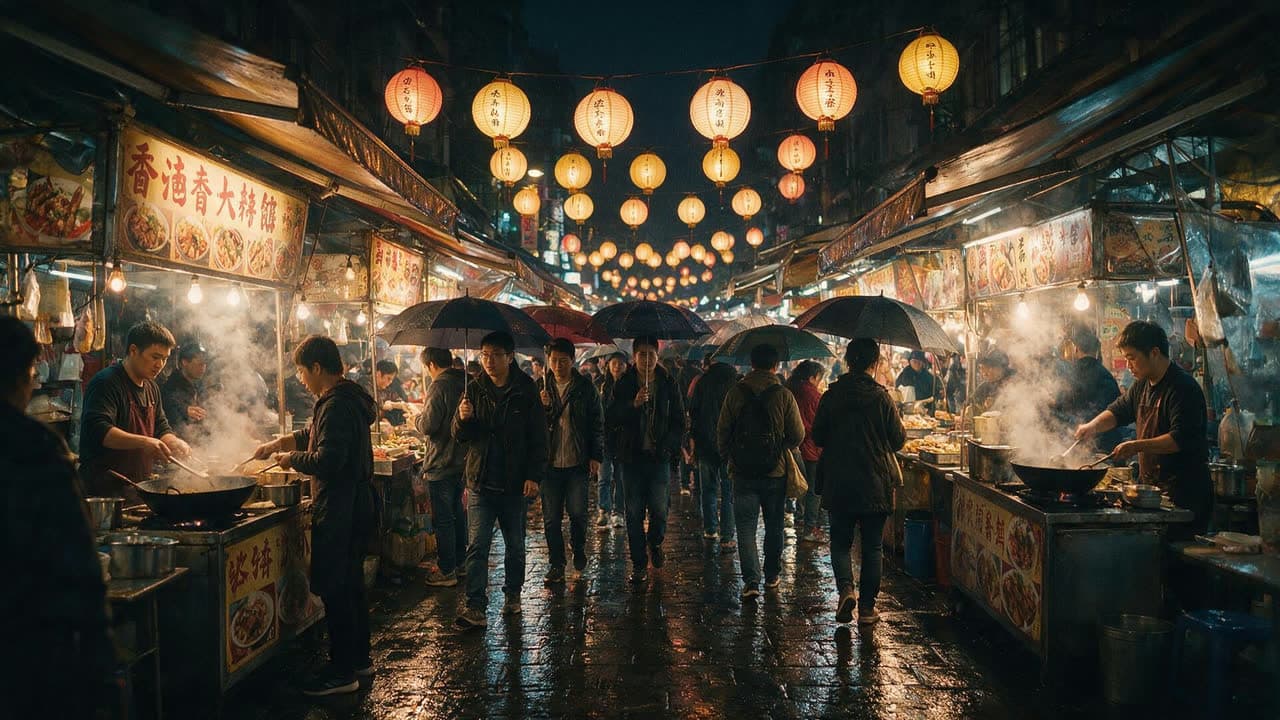
A crowded night market in the rain, seen from a wide angle. Paper lanterns glow over food stalls, steam rises from woks, people walk under umbrellas, and the wet stone street reflects every light., exact 16:9 composition; keep all text and important content inside the canvas
Prompt
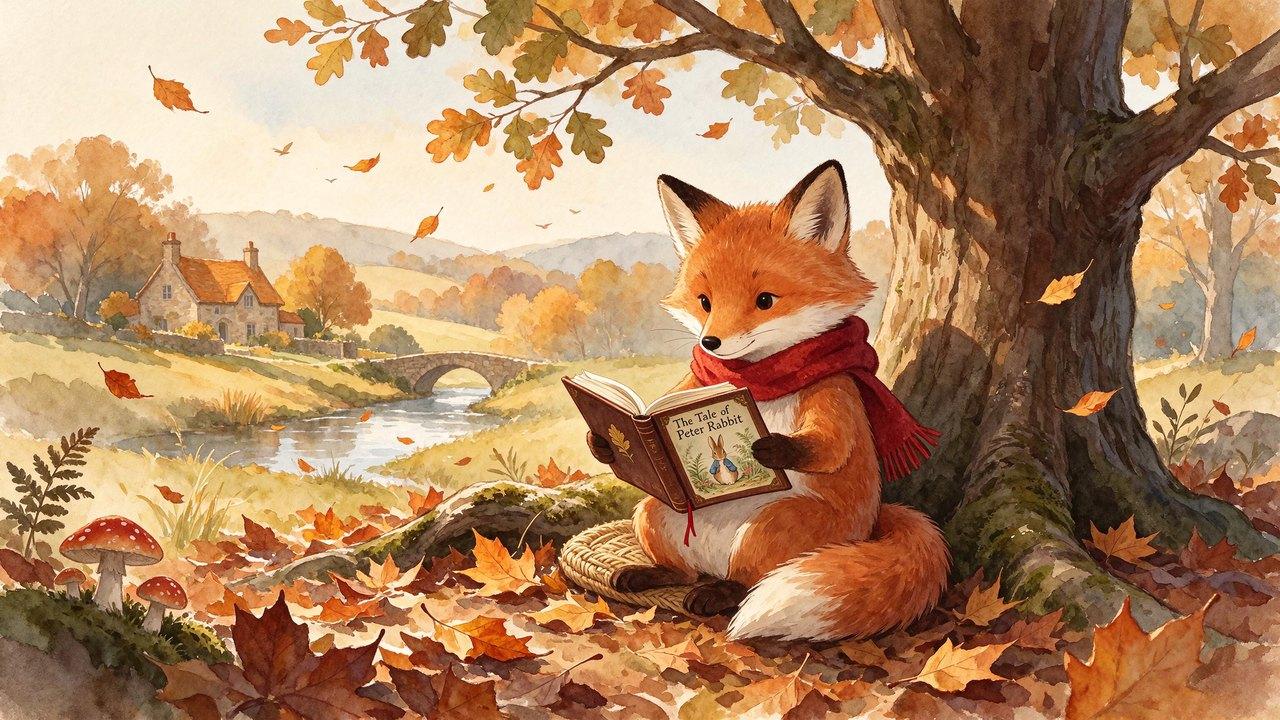
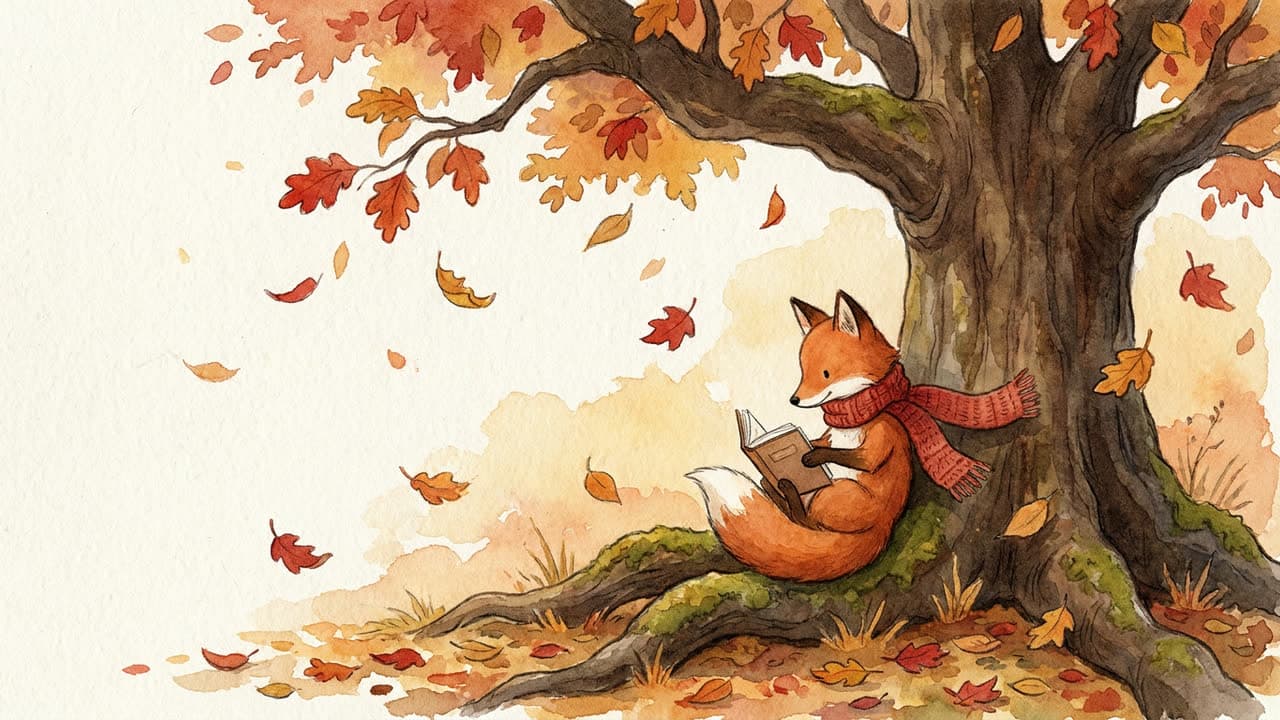
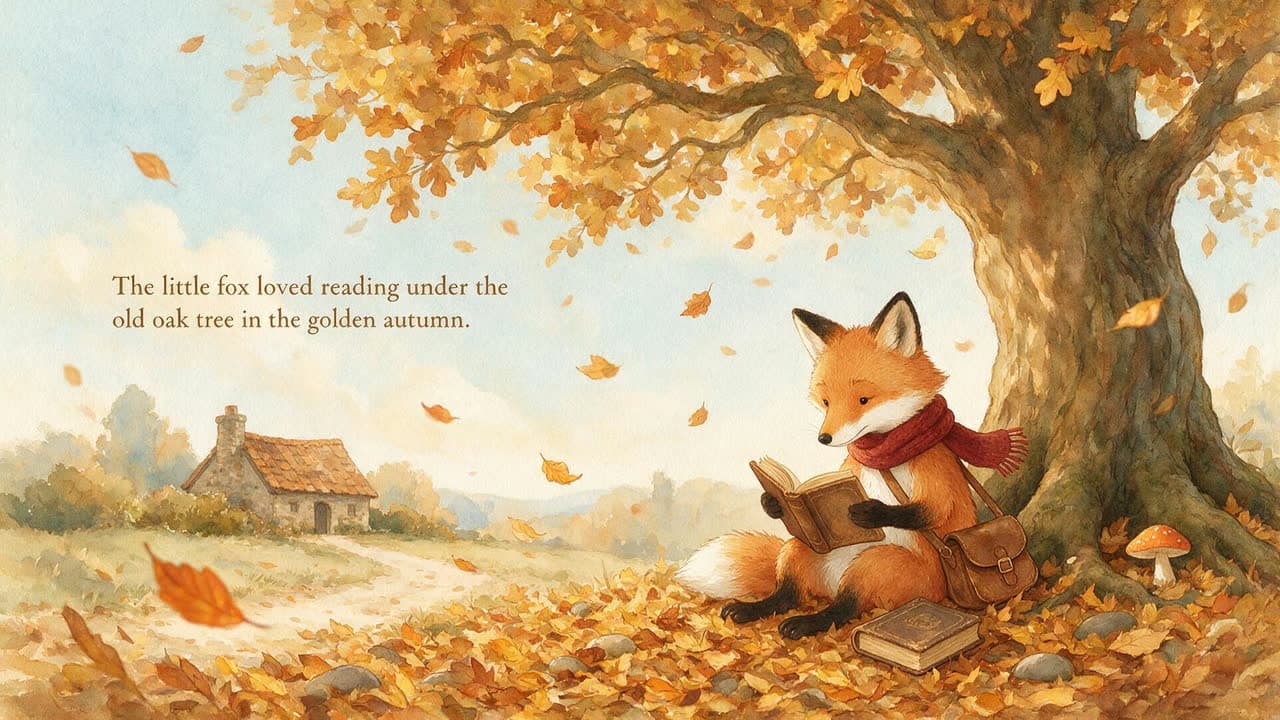
A watercolor storybook illustration of a small fox in a red scarf reading a book under an oak tree, autumn leaves drifting down, soft paper texture, warm gentle colors., exact 16:9 composition; keep all text and important content inside the canvas
Same prompt. Every model.
One prompt. Four models.
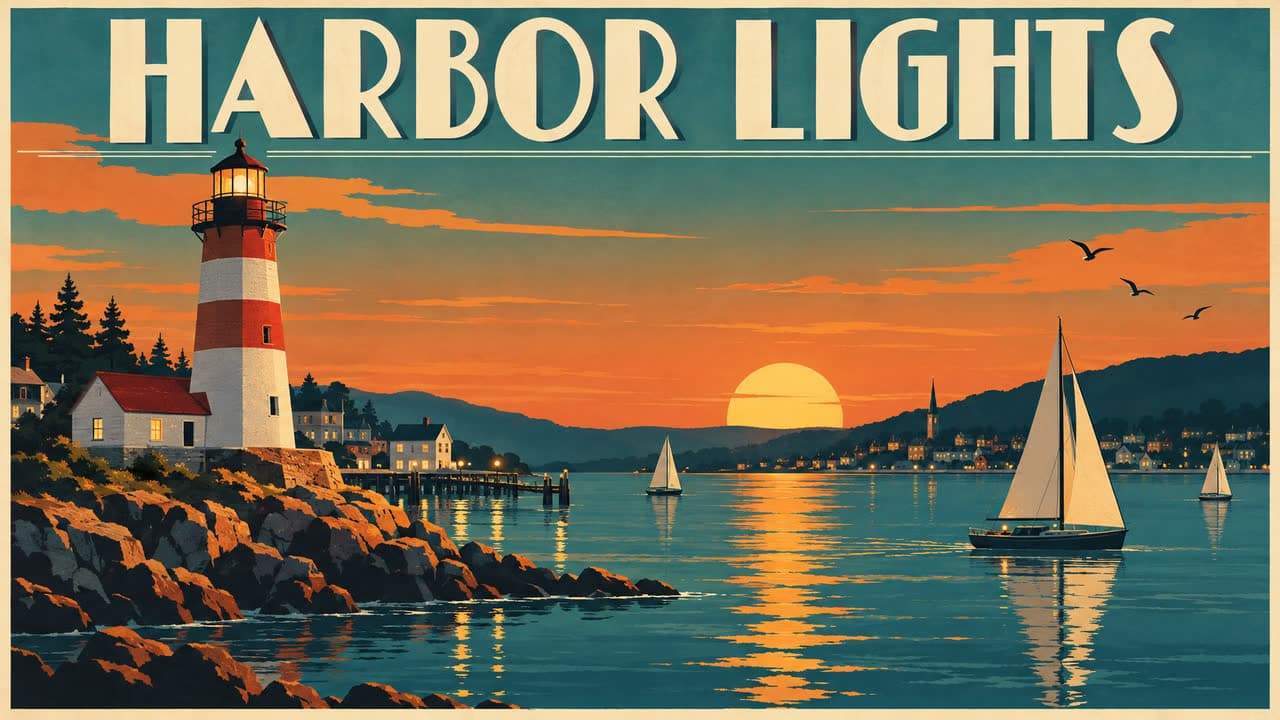
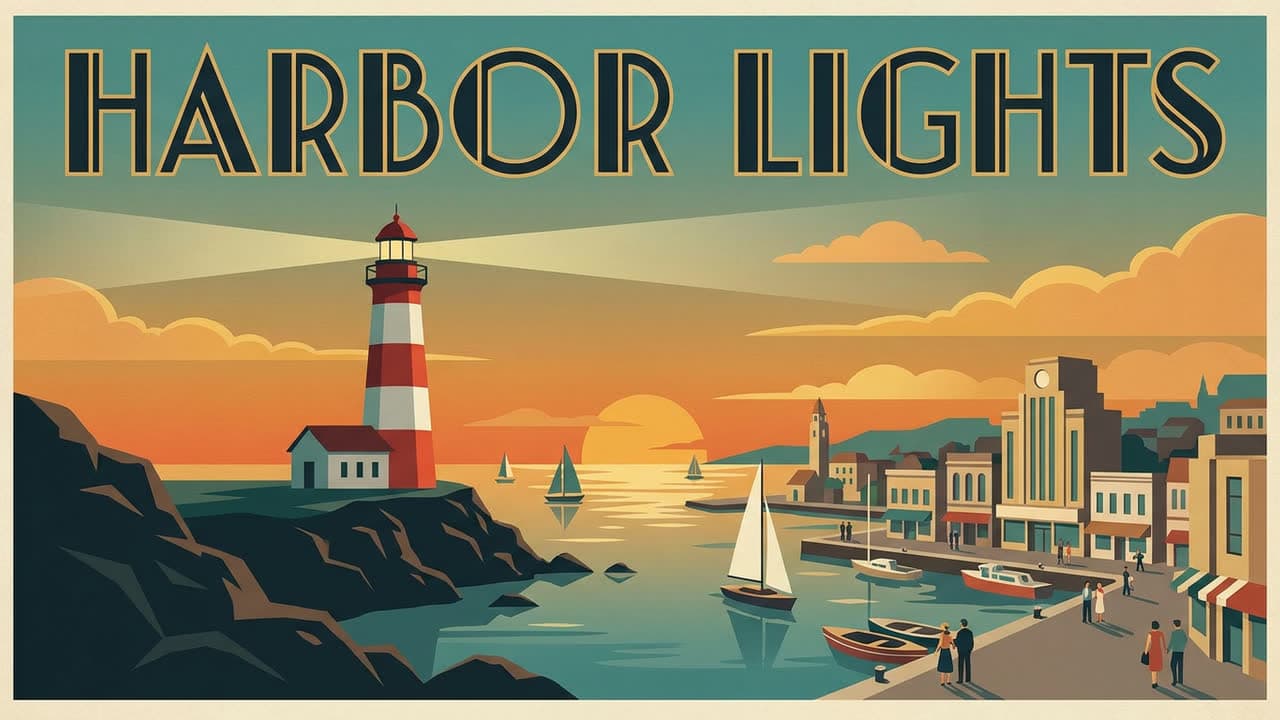
A poster with lettering
Prompt: A vintage travel poster for a seaside town, with the words "HARBOR LIGHTS" in bold art deco letters across the top. A red and white lighthouse at dusk, sailboats on calm water, a warm orange and teal sky, clean flat shapes.
A close-up portrait
Prompt: Close-up portrait of an elderly fisherman with a weathered face, a gray beard and a navy knit cap, looking just past the camera. Soft overcast light from a window, shallow depth of field, shot on an 85mm lens.
A busy scene at night
Prompt: A crowded night market in the rain, seen from a wide angle. Paper lanterns glow over food stalls, steam rises from woks, people walk under umbrellas, and the wet stone street reflects every light.
A storybook illustration
Prompt: A watercolor storybook illustration of a small fox in a red scarf reading a book under an oak tree, autumn leaves drifting down, soft paper texture, warm gentle colors.

How it works
From idea to finished image
- 1
Make or open a picture
Choose Seedream 5.5 in Image Studio. Describe your picture, attach references and choose an opaque or transparent background.
- 2
Split it into layers
Open Layers and choose a layer limit. Seedream separates the picture into a base, subjects, objects and text.
- 3
Edit the piece you need
Select a layer to change its appearance, edit recognized text, move it or use it as a reference.
- 4
Export the result
Download a single layer as a PNG or all layers as a ZIP. For a native animated GIF, choose GPT Image 2.6 in Image Studio.
Pricing
What Seedream 5.5 costs
50 free
images a day on every paying plan, right now
7
credits per image
In Pray Studio, a Seedream 5.5 image uses 7 credits. Right now every paying workspace also gets 50 free Seedream images a day, reset at midnight Pacific. Plans start at $19 a month with 1,000 credits, about 142 images, and every Generate button shows the exact cost before you run it.
Questions, answered
What is Seedream 5.5?
Seedream 5.5 is an image model from ByteDance. In Pray Studio it generates and edits pictures, creates transparent PNGs and powers Image Studio’s layer and text-editing tools.
How do layer exports work?
Open a picture in Image Studio and split it into layers. A split can return one base image and up to 99 layers. Download a layer as a PNG, or choose All layers (.zip) to download them together. The ZIP contains separate images, not a Photoshop PSD.
Can Seedream 5.5 make transparent images?
Yes. Choose a transparent background when generating a picture. You can also split a picture and download its separate transparent layers.
Can I edit the text in a picture?
Yes. Split the picture and select a text layer. When Seedream recognizes the text, Image Studio shows its words so you can change them without rebuilding the whole picture.
Can I make GIFs in Pray Studio?
Yes. Image Studio generates animated GIFs with GPT Image 2.6. Seedream 5.5 makes pictures and separate PNG layers; switch to GPT Image 2.6 for native GIF output. GIF generation starts from a text prompt and does not accept reference images.
Do layer splits and edits cost extra?
Yes. Making a picture, splitting it and editing a layer are separate generation actions. A split is priced by the images it produces, with the selected layer limit shown before you run it. Downloads do not generate new images.
How much does Seedream 5.5 cost in Pray Studio?
In Pray Studio, a Seedream 5.5 image uses 7 credits. Right now every paying workspace also gets 50 free Seedream images a day, reset at midnight Pacific. Plans start at $19 a month with 1,000 credits, about 142 images, and every Generate button shows the exact cost before you run it.
Seedream 5.5
Describe the image, add your own photos as references, and pick the model that fits each image.