
Sermon films, Bible stories and kids episodes from one studio.
AI video generator for churches
The same cast every week, your pastor’s own voice, and videos you own.
The short answer
Pray Studio is best for churches that need whole videos, not single clips: sermon films, Bible stories and kids episodes with the same cast every week, without a production crew.
Most AI video tools make one clip at a time. A church needs a series: the same characters next Sunday, the pastor’s own voice, and a file to play in the service or post online. Pray Studio starts from your sermon or script, plans the shots, keeps the cast the same, adds voices and music, and exports the finished video.
One filmed take. Any setting.
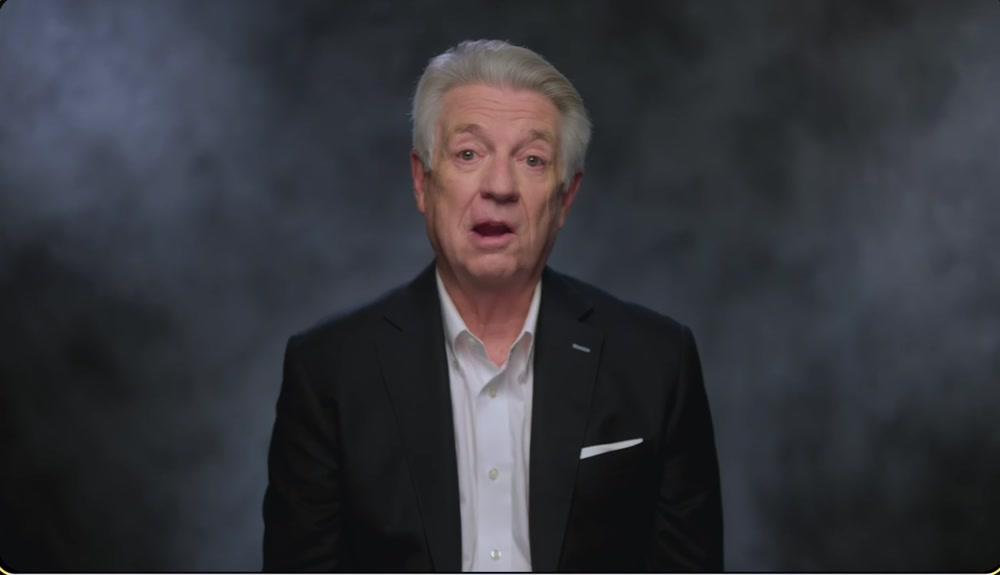
Film your pastor once, place them in the story
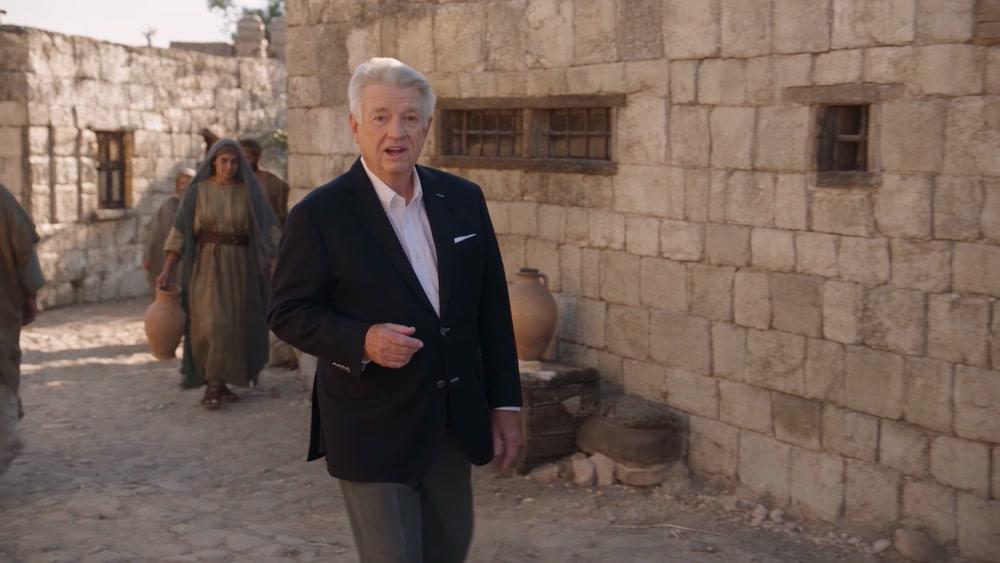
In the streets of Bethlehem

Under the night sky
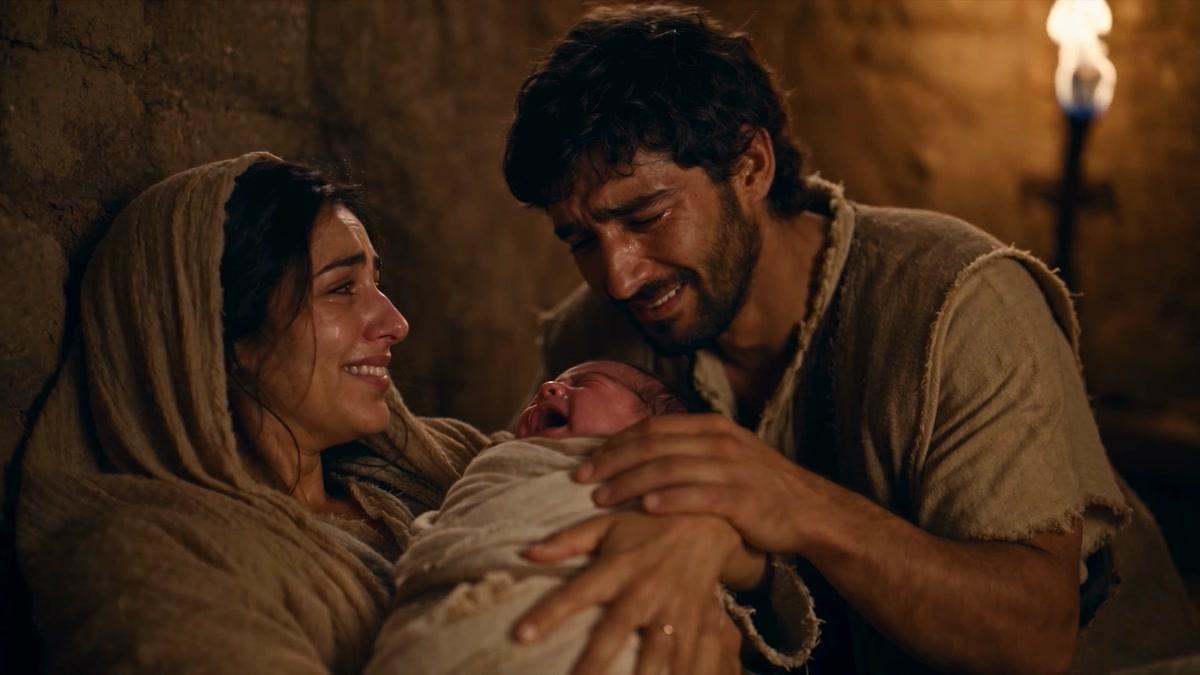
The Nativity
Real takes. Real prompts.
Church videos made in Pray Studio
A sermon clip people shared
Pastor Adam Mesa’s 1:29 clip reached 79K+ views on Instagram. Every visual was generated in Pray Studio, with his sermon under the cut.
Bible stories at film length
The story of Job runs 25:01 and was made in Director Mode for $69.20 per finished minute. This is one 30-second take from it.
A short made in one evening
Paste a script into Director Chat and approve each step: the cast, their voices, the places, the takes and the score.
How it works
How churches make videos in Pray Studio
- 1
Start from what you have
Paste a sermon transcript, a Bible passage or a script. The studio breaks it into scenes and shots.
- 2
Cast once, reuse every week
Save each character as an Actor. The same face and clothes come back in every shot and in the next video of the series.
- 3
Direct the shots
Describe each shot and roll takes, or let Director Chat build the film with you one approved step at a time.
- 4
Edit, export and own it
Add narration, voices and music on the timeline, then export an MP4 or a Premiere Pro project. The videos you make are yours.
Questions, answered
What is the best AI video generator for churches?
It depends on the video. To cut highlights out of a Sunday recording, a sermon clipper is enough. To make a new video with a story, such as a sermon film, a Bible story or a kids episode, you need the shots planned, the same cast in every shot, voices and an edit. Pray Studio does all of that in one project.
Do we own the videos we make?
Yes. Under the Terms of Service you keep ownership of what you put in and of the images, clips and audio generated from it. Nothing leaves your workspace unless you export or share it.
Do we need a video team?
No. The studio plans the shots from your script, and each film on this page was directed by one person. You review and approve every take.
Can we make kids ministry videos?
Yes. Choose an animated visual style when you create the project, and the whole episode keeps that look and the same characters.
Can staff and volunteers work on the same videos?
Yes. Invite teammates to your workspace so everyone works in the same projects with the same cast.
How much does Pray Studio cost for a church?
In Pray Studio you spend credits on what you generate, and every Generate button shows the exact cost before you run it. A 10-second Seedance 2.5 clip uses about 335 credits at 720p, and a 10-second Kling 3.0 clip about 183. Plans start at $19 a month with 1,000 credits.
Start Sunday
Start from a sermon, a passage or a script, and keep the same cast from one video to the next.